✦Locks your computer on schedule, so you sleep on time
Quit late nights —
all you need is ZzzSweet
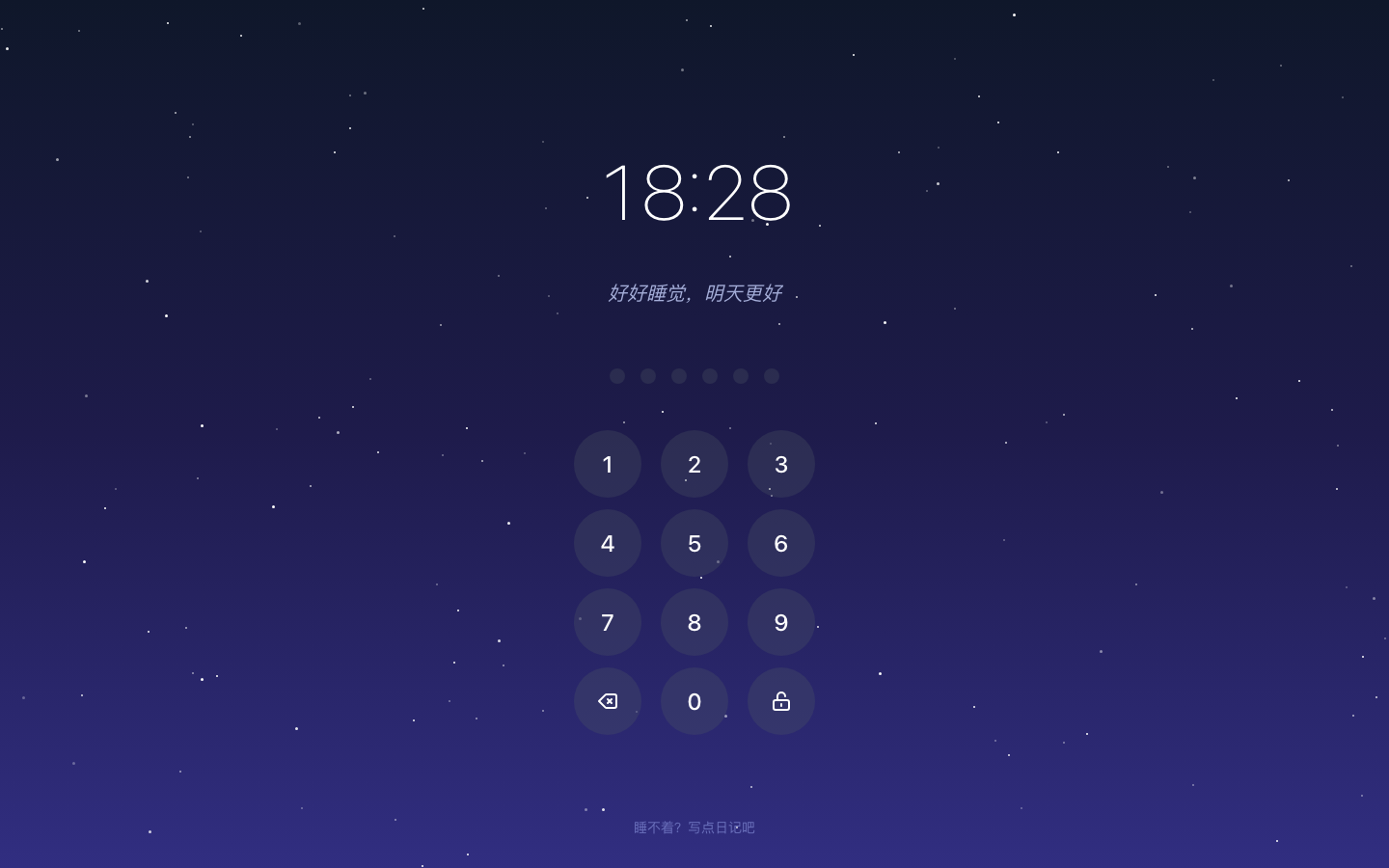
Automatically locks your computer at bedtime with a fresh password each time, sent only to someone you trust. No more late nights — let technology enforce your sleep schedule.
Features
Simple yet powerful tools to help you build healthy sleep habits
Scheduled Lock
Set your bedtime and your computer locks automatically in full screen. Supports overnight schedules like 11 PM to 7 AM.

Trusted Contact
The password is sent only to your designated trusted person. In an emergency, just ask them for the code to unlock.
Background Tasks Keep Running
Only the screen is covered — no background processes are killed. AI coding assistants, builds, and downloads keep running. Wake up to your finished work.
Why I Built ZzzSweet
A 20-year night-owl's self-rescue story — meditation, sleep courses, peer pressure, fines… nothing worked, until I built this
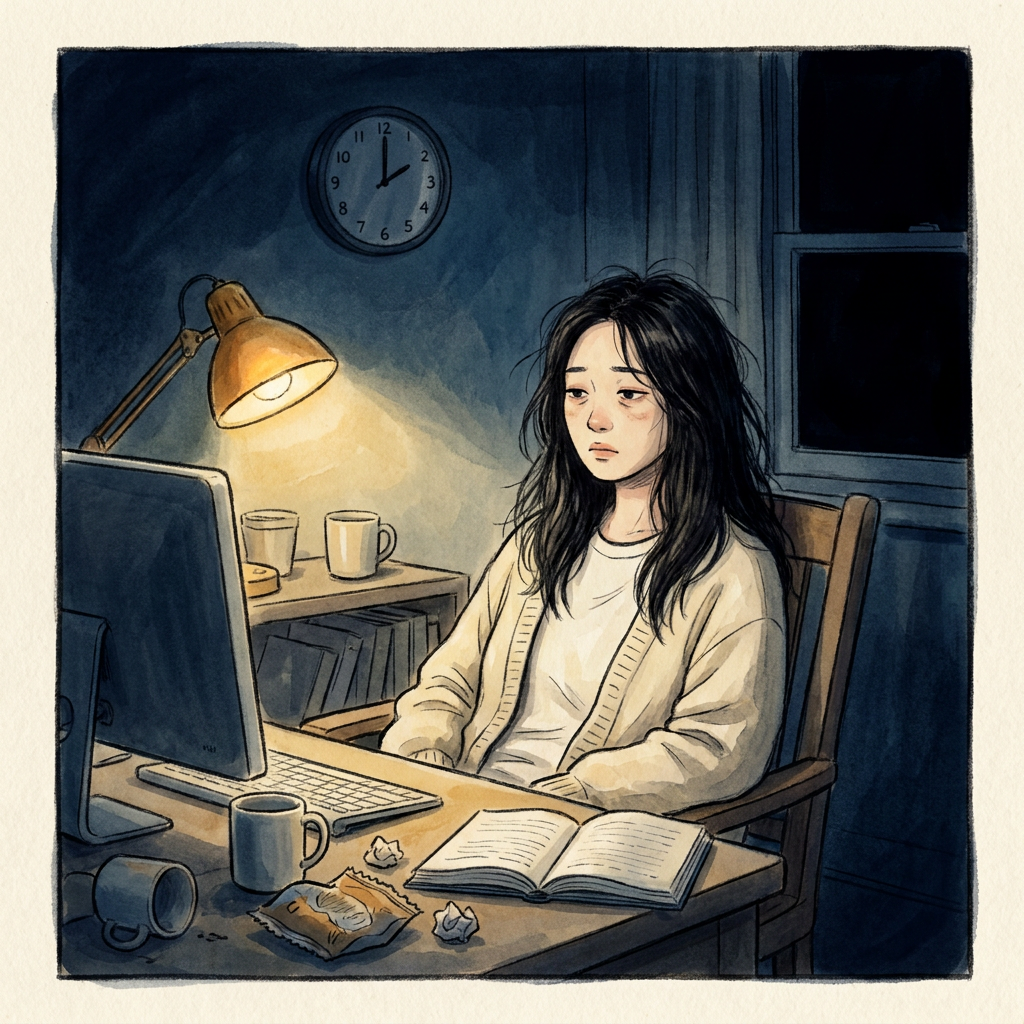
3 a.m. — I told myself again: “This is the last time I'll stay up late.”
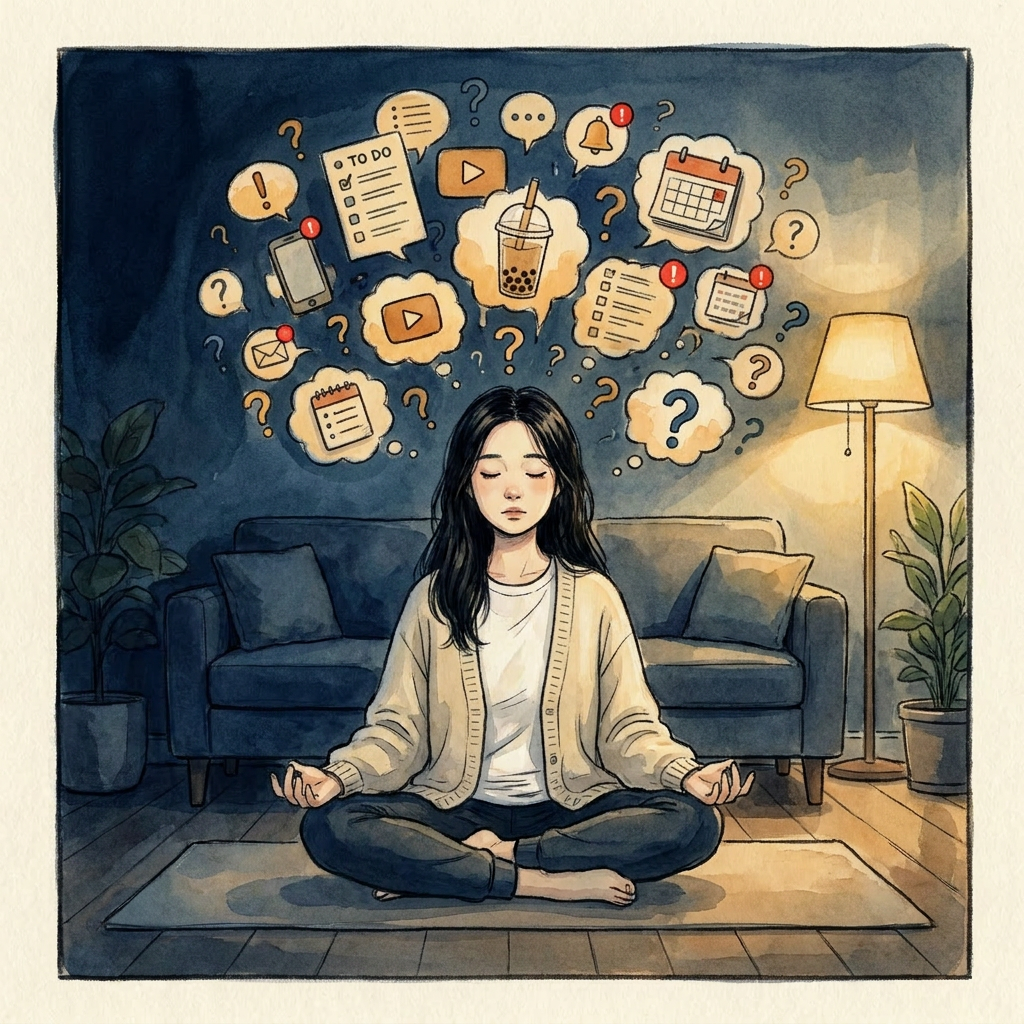
Tried meditation — the longer I sat, the louder my mind got. Then I just stayed up anyway.
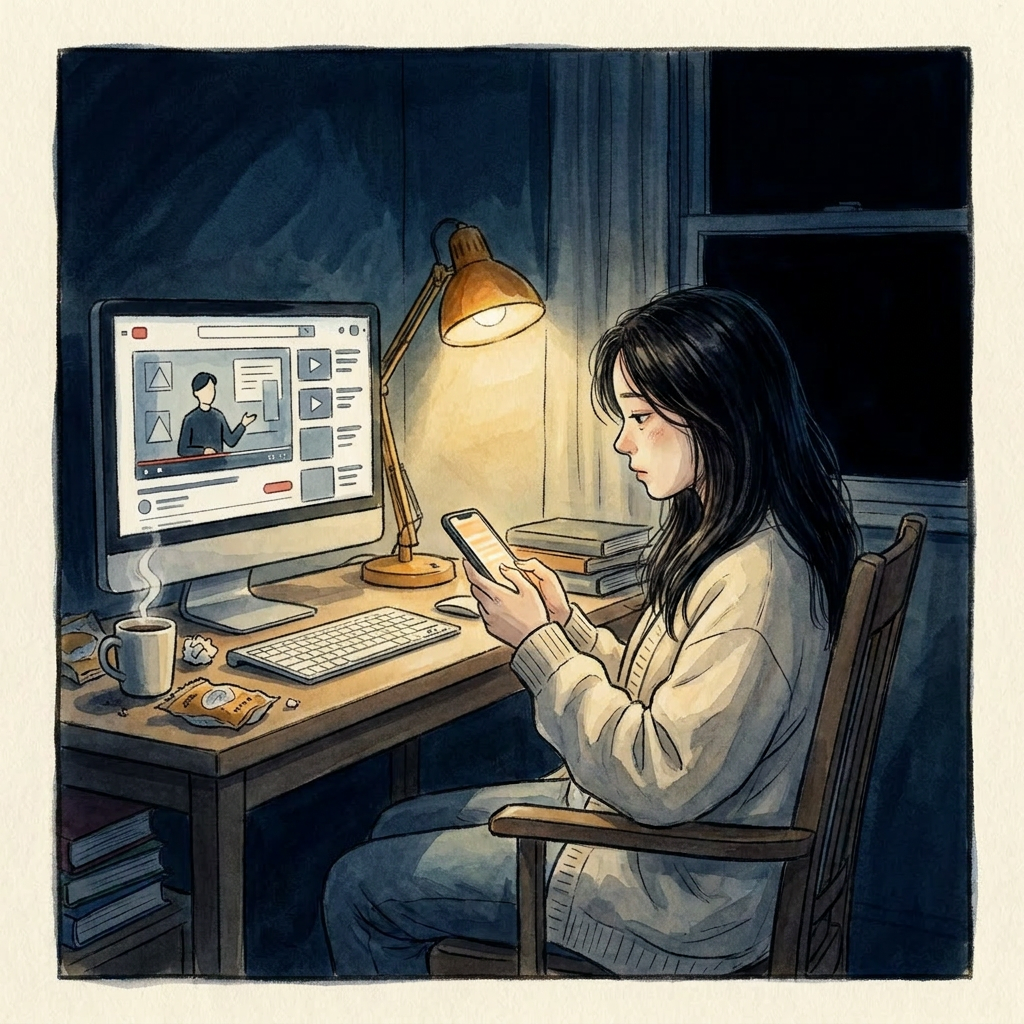
Bought stacks of sleep courses — they played on screen, while I stayed up off-screen.
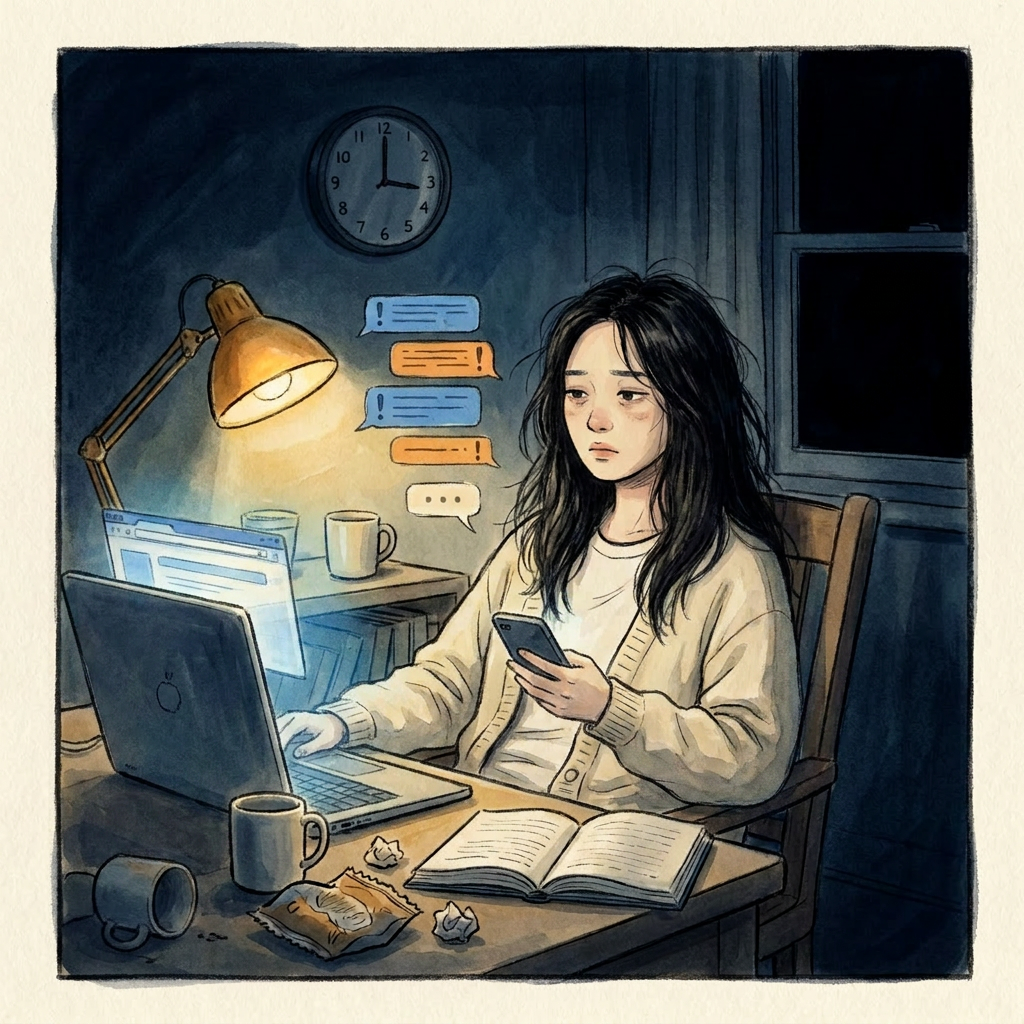
Asked friends to keep me accountable — they said “go to sleep,” I said “soon” — then stayed up 3 more hours.
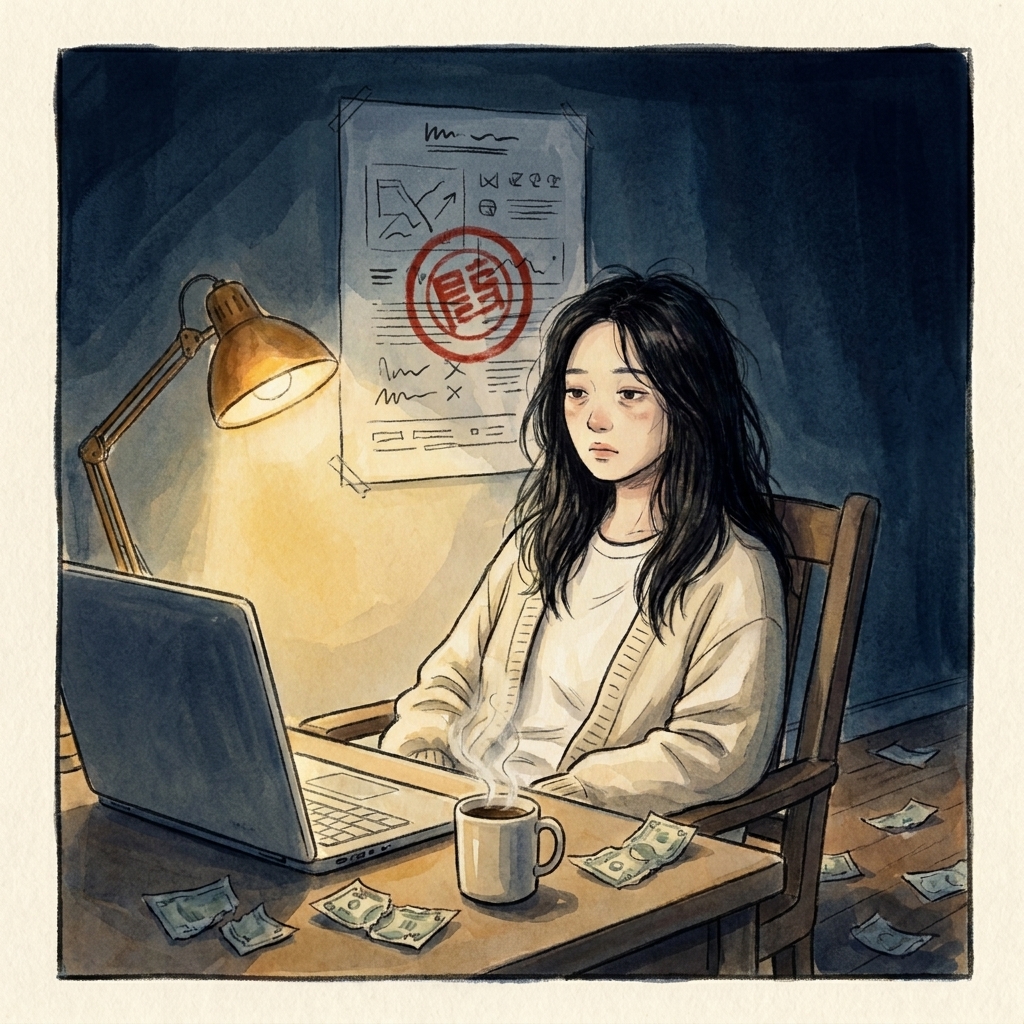
Built bedtime rituals, fined myself for staying up — I just got poorer.
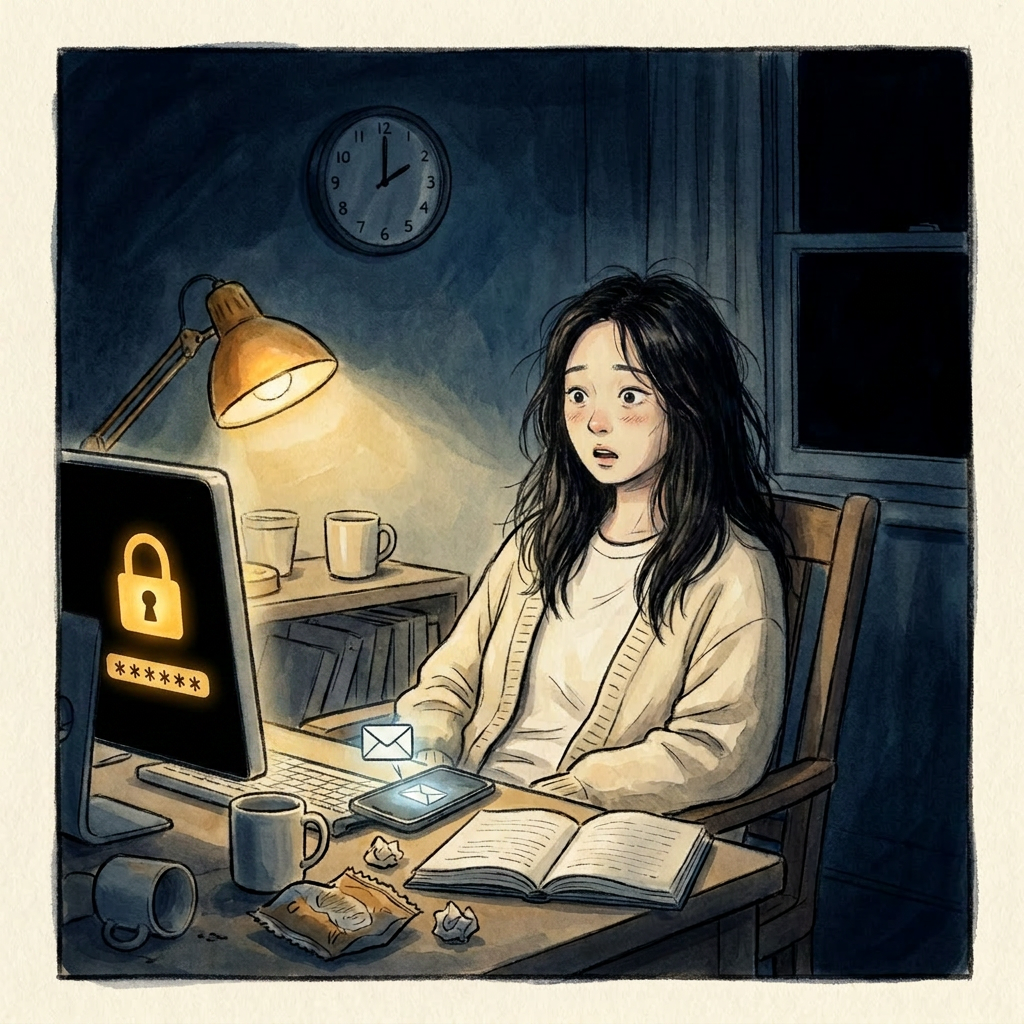
Until I built ZzzSweet. No bargaining — it locks on time. The password goes only to my friend.
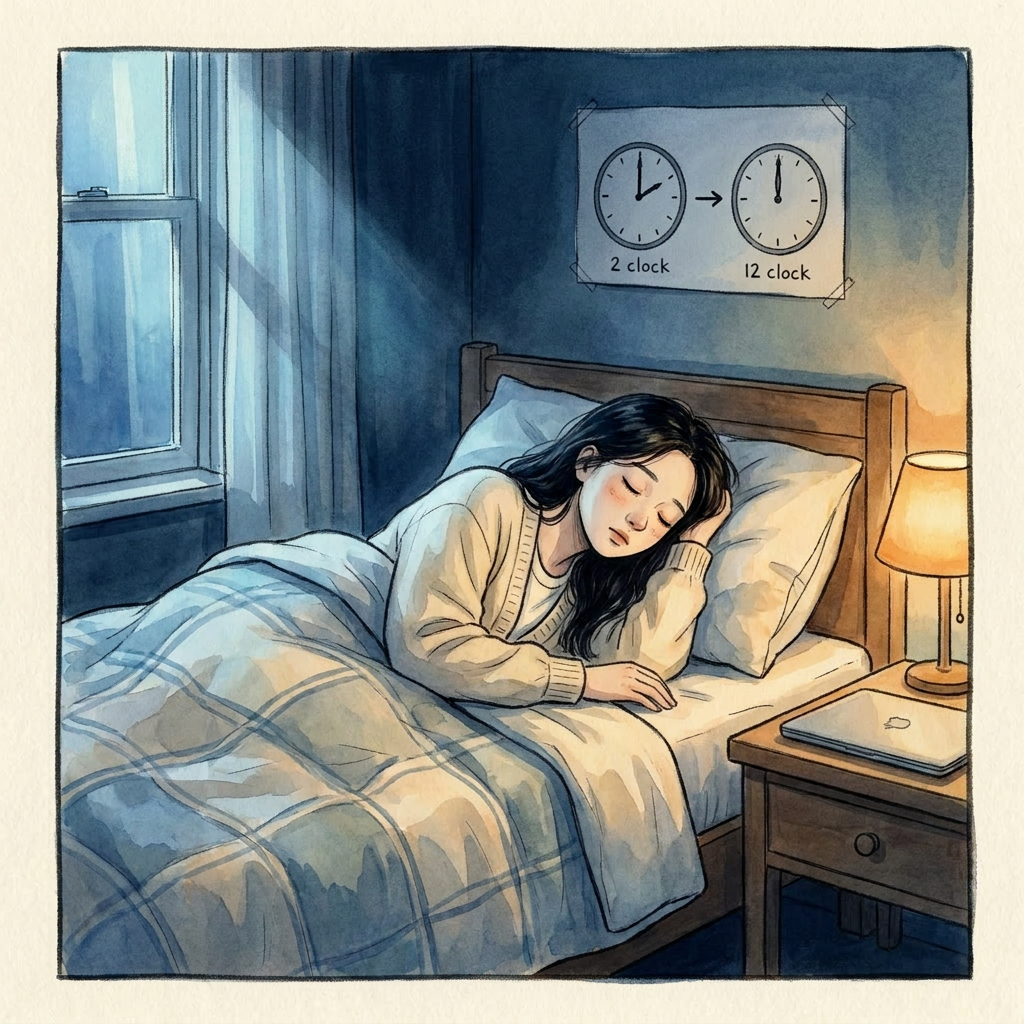
In 3 months, my bedtime moved from 2 a.m. to midnight.

Not because I suddenly got disciplined — but because it made the hardest decision for me.
3 Steps to Better Sleep
Get started in minutes with a simple setup
Sign Up
Enter your email, set a password, and you're registered in under a minute.
Set Your Schedule
Choose when to lock and unlock. For example, lock at 11 PM and auto-unlock at 7 AM. It runs automatically.
Add Trusted Contact
Enter your trusted person's email. The lock password is sent only to them — just ask when you need it.
Start Sleeping Better
Download ZzzSweet and let your computer put you to bed tonight
iOS is not supported due to system restrictions